How to Automate Product Data Extraction From Supplier Documents
5/21/2026
A step-by-step workflow for automating product data extraction from supplier PDFs, datasheets, spreadsheets, and catalogs without losing review control.
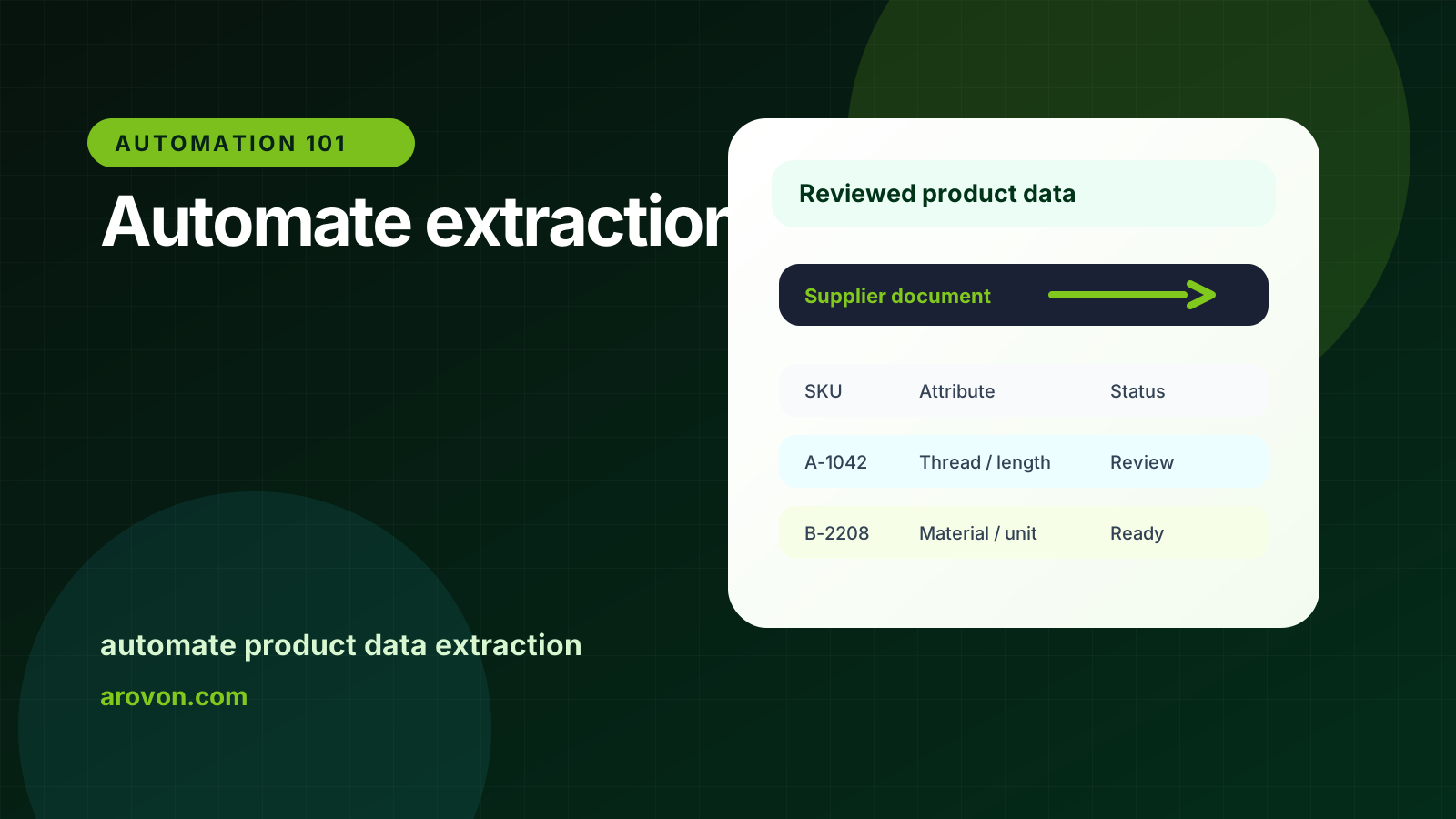
A step-by-step workflow for automating product data extraction from supplier PDFs, datasheets, spreadsheets, and catalogs without losing review control.
Skim this first
Read this as the operating workflow for turning supplier documents into catalog rows.
The focus is the process: intake, extraction, normalization, review, and export.
Automation should create a structured draft that people can approve faster.
Best next move
Start with documents that contain repeated product patterns.
Normalize fields into the destination catalog schema.
Route exceptions to reviewers instead of hiding them in the export.
For industrial distributors, the practical question is not whether software can read a document once. The question is whether the team can repeat the workflow across suppliers, keep technical values traceable, and export rows that are safe to use.
This guide focuses on automate product data extraction from an operations point of view: what to standardize, what to review, and where automation should support people rather than hide uncertainty.
Quick facts
Workflow: Intake, parse, extract, normalize, review, export.
Best scope: Start with one supplier or product family.
Success metric: Approved rows per hour, not documents uploaded.
Document extraction becomes valuable when it produces reviewable product rows, not just text copied from a file.
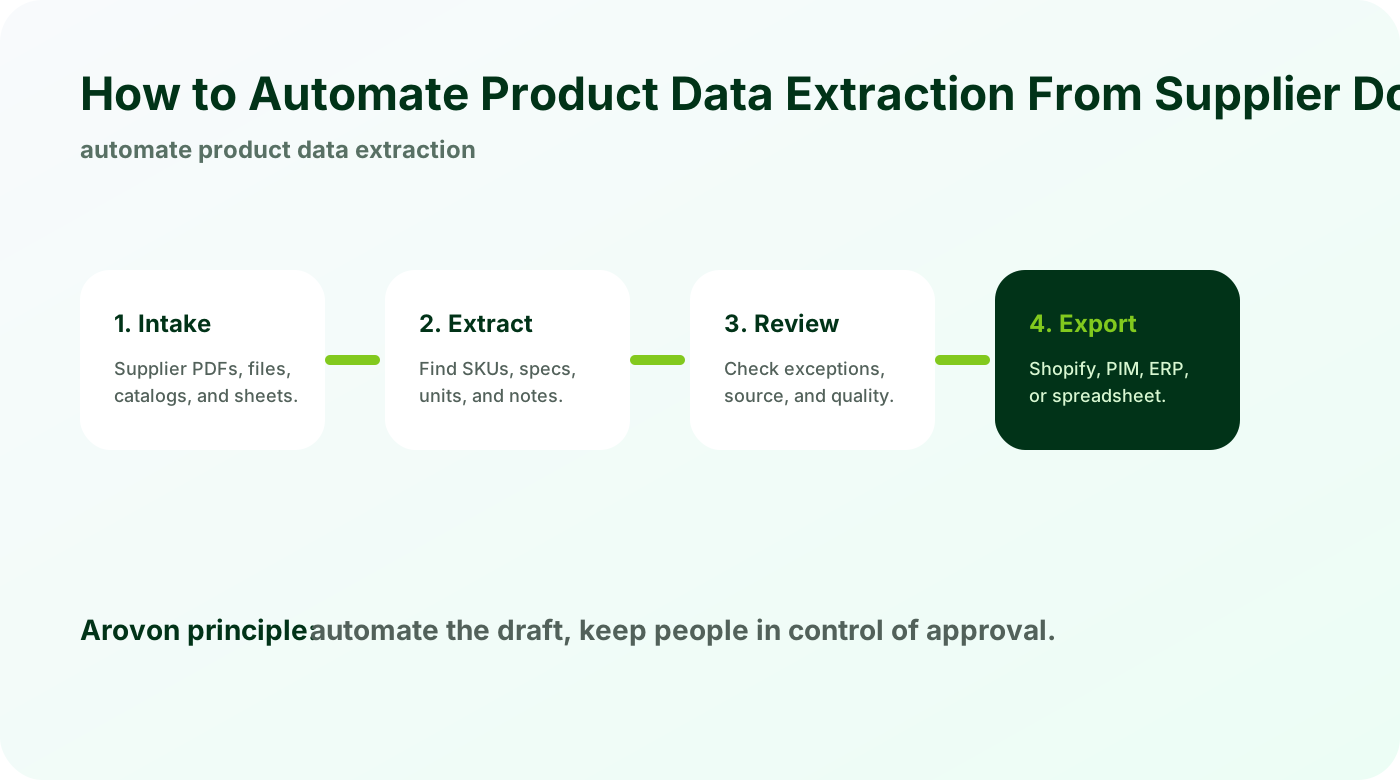
Choose the right starting scope
Do not begin with every supplier and every product family. Pick a narrow slice that represents real work.
One supplier with repeated document patterns.
One product category with clear required fields.
One export destination such as Shopify CSV.
A narrow pilot gives cleaner feedback and prevents the first project from becoming a migration program.
Build a workflow around reviewed rows
Automation should create a structured first draft and route uncertain fields to people.
Extract product rows from documents.
Normalize field names and units.
Flag exceptions for review.
Export approved rows only.
This keeps speed and quality in the same workflow.
Measure the operational result
The point is not just document processing. The point is more approved product rows with less manual effort.
Track time per approved SKU.
Count rework after import.
Measure how quickly new supplier products go live.
Use the pilot data to decide whether to expand to the next supplier or category.
Checklist
Select one supplier or category.
Define the extraction schema.
Keep humans in review.
Export to the actual target system.
Measure approved rows per hour.
Watch for
PDF text that extracts correctly but loses product-family context.
Rows exported before low-confidence fields are reviewed.
Supplier-specific field names mapped inconsistently across batches.
Make it repeatable
Use one intake pattern for each supplier document type.
Keep extraction confidence and source links in the review view.
Export only approved fields to ecommerce, PIM, ERP staging, or CSV.
Automate one supplier document first
Arovon can process a sample supplier document and show the extraction, review, and export flow before a larger rollout.