How to Bulk Import Products Into Shopify From Supplier PDFs
5/22/2026
A step-by-step guide to extracting product data from supplier PDFs, reviewing it, and preparing Shopify-ready CSV imports without weeks of copy-paste work.
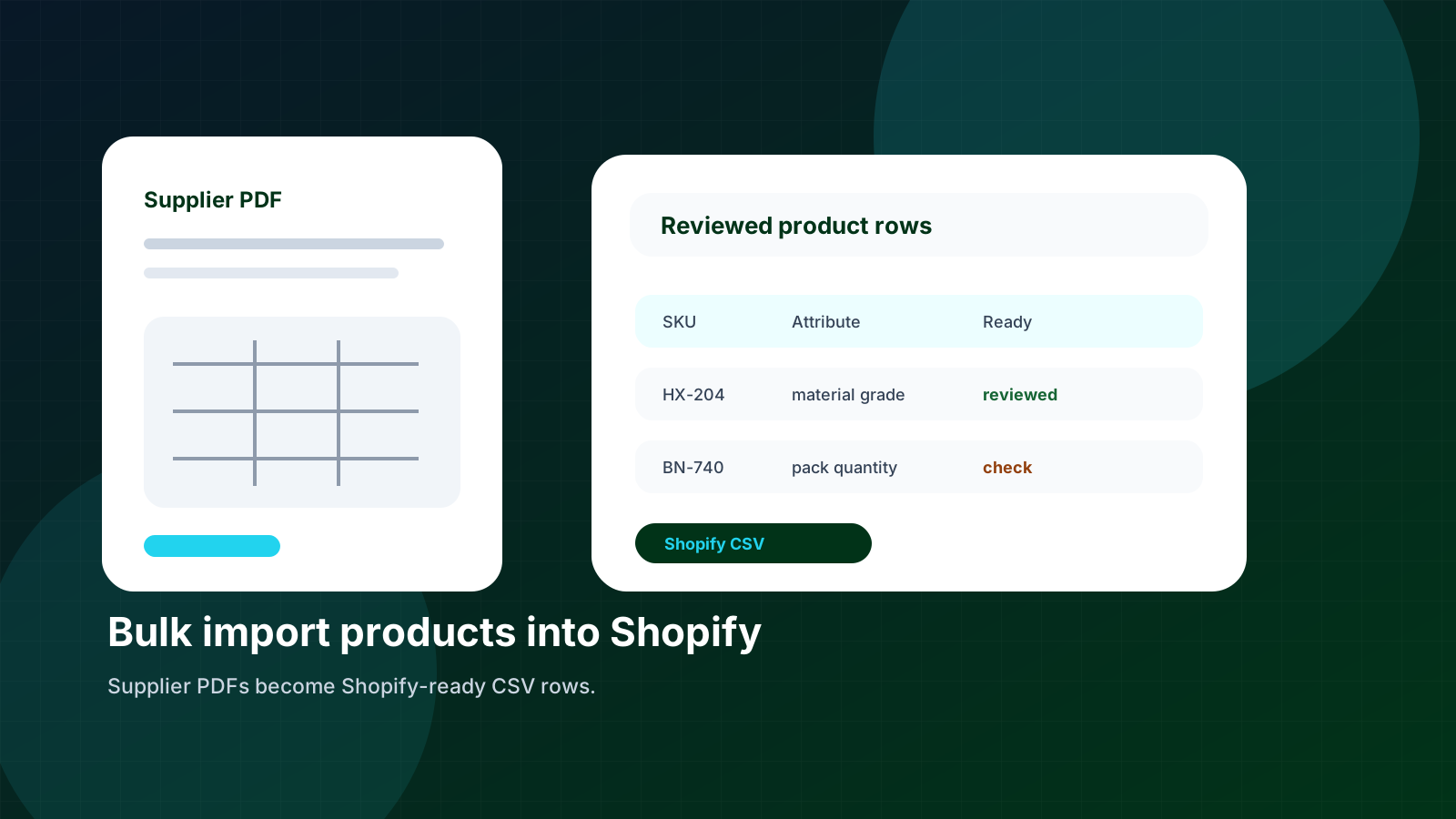
Shopify can import a lot of product data at once. The hard part is getting the supplier data into a CSV that Shopify actually understands. Supplier PDFs rarely arrive with handles, option names, product types, tags, and variant rows ready to go.
Skim this first
Use this article as a practical lens for how to bulk import products into shopify from supplier pdfs.
Look for the exact place where supplier data stops being useful to buyers.
The goal is cleaner decisions, not just more catalog text.
Best next move
Start with one supplier file or product family.
Define which fields must become searchable, comparable, or reviewable.
Export only rows that are clear enough for the receiving system.
For industrial distributors, the problem is bigger than title and description. You may need dimensions, materials, thread sizes, finishes, pack quantities, manufacturer numbers, and category-specific fields. Those details have to be extracted, reviewed, and mapped before upload.
The safest approach is to treat the Shopify CSV as the final export, not the working file. Build clean product rows first, then generate the Shopify format from reviewed data.
Quick facts
Shopify needs: Handles, titles, descriptions, variants, images, tags, and product type.
PDFs provide: Specs, tables, descriptions, notes, and supplier part numbers.
Risk: Importing bad rows creates duplicate products, broken filters, and cleanup work.
Good catalog work turns supplier material into buyer confidence, one reviewed field at a time.
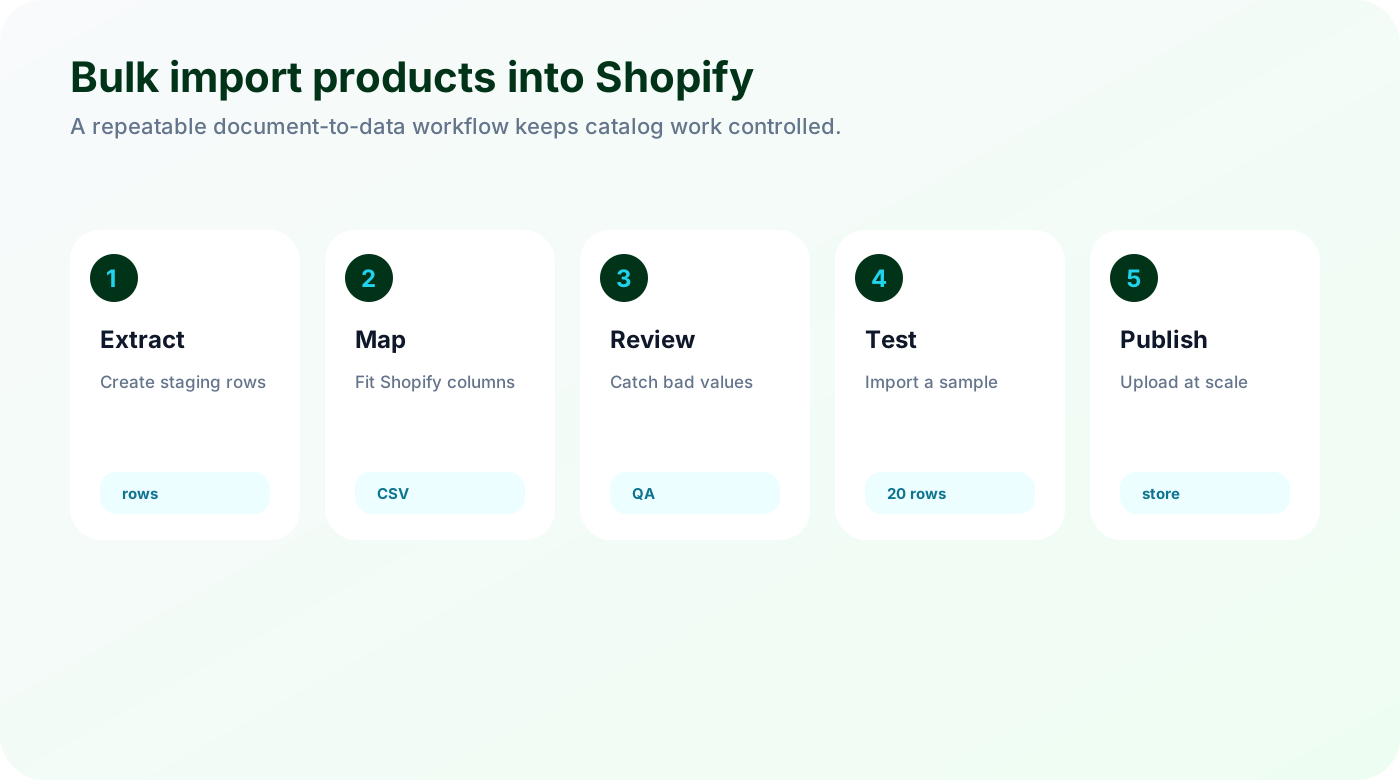
Extract product rows before thinking about CSV columns
Start with a clean staging table. Extract the product data from the PDF into normal rows before shaping it into Shopify CSV columns.
Pull SKU, supplier part number, category, product name, and attributes from the PDF.
Keep table notes and units attached to the affected rows.
Split variants only when Shopify should treat them as options.
If the team starts directly in Shopify CSV format, the file becomes hard to review. A cleaner staging table lets people check the product data before the export rules are applied.
Map distributor data into Shopify fields
Shopify has its own language. Distributor product data needs to be mapped into handles, titles, descriptions, variants, product type, tags, metafields, and image references.
Use stable handles instead of titles that may change later.
Map product family to product type and tags.
Decide whether attributes belong in variant options, metafields, tags, or the description.
Not every technical spec should become a Shopify option. Length or pack size may be a variant option. Material grade may be better as a metafield or filter attribute, depending on the store setup.
Test the import before the full catalog
A bulk import should never be the first time you see the export. Test a small sample and check the storefront experience before uploading the full file.
Import a small sample into a test collection.
Check product pages, filters, variant selectors, and search.
Fix export rules before uploading thousands of rows.
A 20-row test catches mistakes that are painful at 2,000 rows. Handles, duplicate SKUs, and bad variant grouping are much easier to fix before the bulk import.
Checklist
Confirm one row per product or variant.
Validate required Shopify columns.
Keep original supplier SKU and manufacturer part number.
Check tags and product type before import.
Run a small test import first.
Watch for
Unclear units or names that make products hard to compare.
Review work hidden in spreadsheets, emails, or repeated manual checks.
Fields that should power filters but remain trapped in prose.
Make it repeatable
Keep source evidence visible for every important value.
Separate clean rows from rows that need expert review.
Use the first pass as a repeatable template, not a one-off cleanup.
Need a Shopify-ready product file?
Arovon turns supplier PDFs into reviewed product rows and exports the data in the shape your Shopify import needs.