How to Extract Fastener Specs From Catalog PDFs
5/20/2026
A practical guide to extracting thread size, grade, finish, dimensions, pack quantity, and supplier references from fastener catalog PDFs.
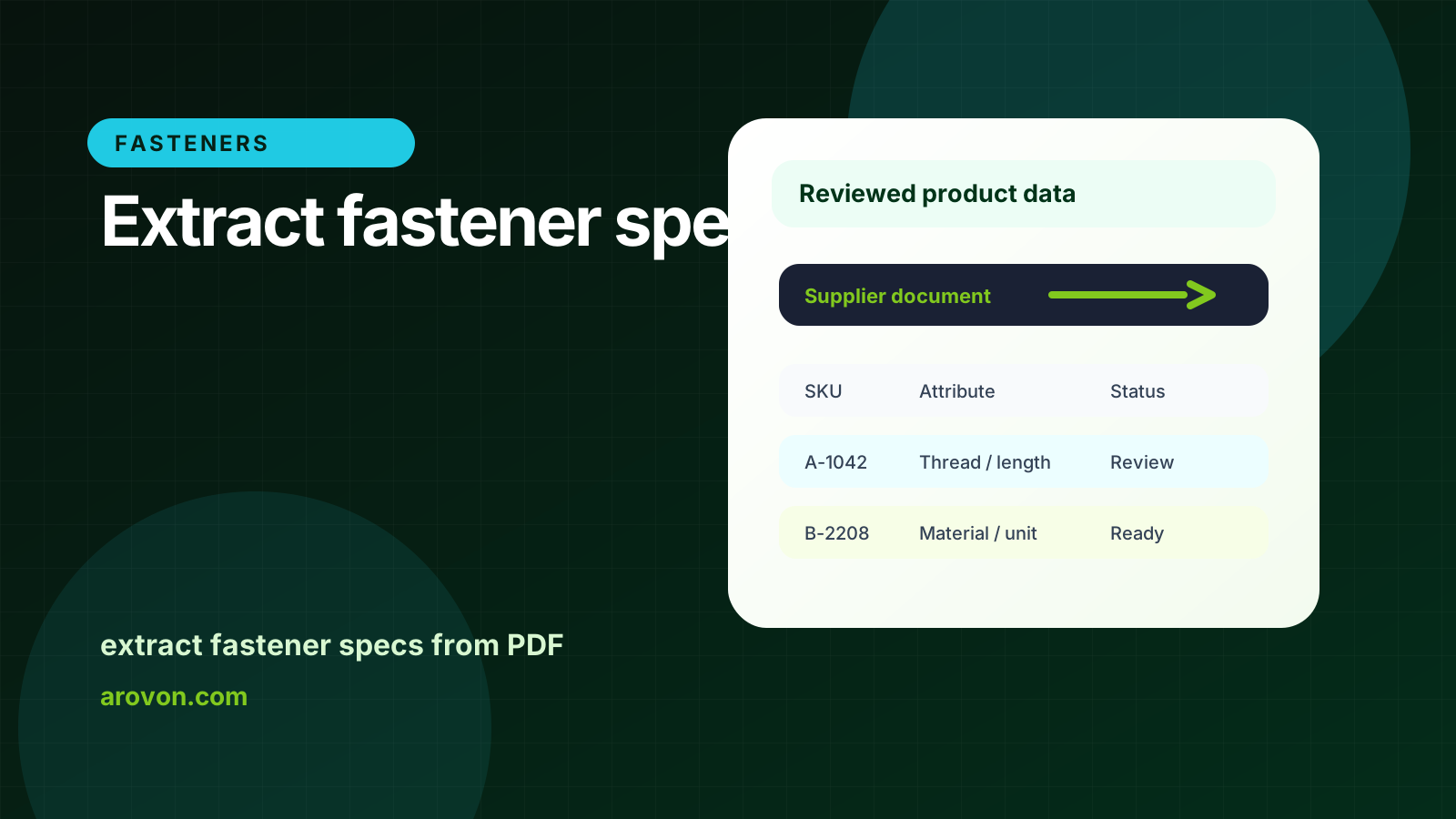
A practical guide to extracting thread size, grade, finish, dimensions, pack quantity, and supplier references from fastener catalog PDFs.
Skim this first
Use this as a practical guide to extracting fastener specs from catalog PDFs.
The focus is table interpretation: thread size, length, drive, head style, material, finish, and grade.
Every extracted spec needs enough context to be checked before import.
Best next move
Identify the fastener fields in the PDF before extraction.
Check units, standards, and finish terminology against the source.
Keep ambiguous rows out of the live catalog until reviewed.
For industrial distributors, the practical question is not whether software can read a document once. The question is whether the team can repeat the workflow across suppliers, keep technical values traceable, and export rows that are safe to use.
This guide focuses on extract fastener specs from PDF from an operations point of view: what to standardize, what to review, and where automation should support people rather than hide uncertainty.
Quick facts
Input: Catalog PDFs, datasheets, tables, and price lists.
Output: Structured fastener rows with source references and review status.
Main checks: Thread, length, material, finish, grade, and unit consistency.
Fastener PDF extraction is not only about finding values; it is about putting each value in the field buyers use to compare.
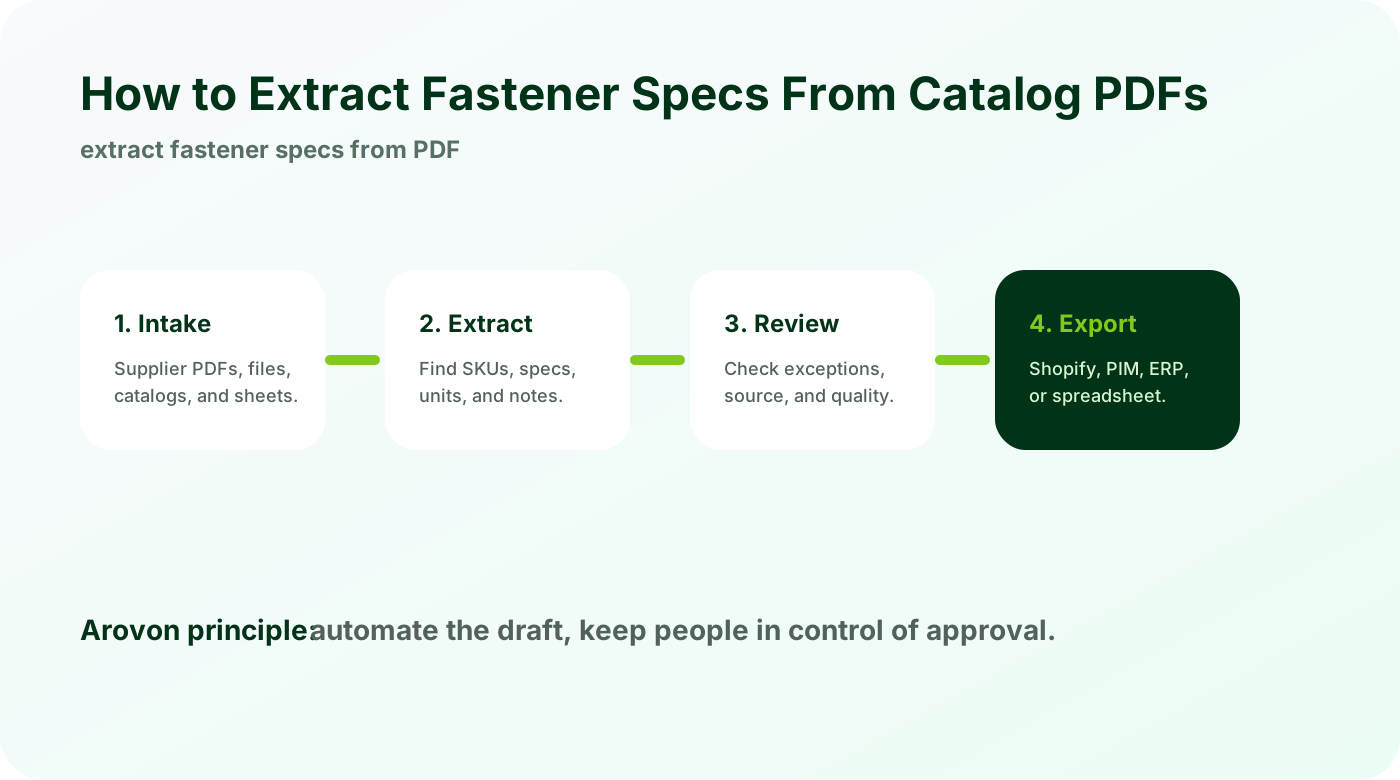
Identify the product family first
Fastener PDFs often mix product families. Extraction works better when each page or table is assigned to the right family.
Detect whether rows describe bolts, nuts, screws, washers, anchors, or accessories.
Apply the right required fields to each family.
Keep supplier page references for review.
Family context prevents values from landing in the wrong columns.
Extract both tables and surrounding notes
Important fastener details may sit in headers, footnotes, and ordering notes instead of row cells.
Capture table headers as field names.
Attach shared notes to affected rows.
Normalize abbreviations such as material and finish codes.
The table alone is rarely enough. The surrounding text often explains what the values mean.
Validate before import
A fastener catalog import should check completeness and consistency before publishing.
Flag missing required values.
Find duplicate or conflicting supplier SKUs.
Compare extracted values against the source PDF.
Review protects the catalog from errors that are hard to find after products go live.
Checklist
Split PDFs by product family.
Extract row values, headers, and notes.
Normalize grade, material, and finish names.
Attach source page references.
Review exceptions before Shopify or PIM import.
Watch for
Thread sizes or lengths split across table headings and row values.
Standards, grades, or finishes defined in notes instead of cells.
Supplier abbreviations that need controlled catalog terms.
Make it repeatable
Map each fastener spec to a catalog attribute.
Attach source references to critical values.
Review variant grouping before ecommerce import.
Extract fastener tables with review built in
Arovon turns supplier fastener PDFs into structured rows your team can validate before publishing or exporting.