How Fastener Distributors Can Automate Catalog Creation
5/21/2026
How fastener distributors can turn supplier PDFs, price lists, and datasheets into searchable product pages with thread, grade, finish, and size data.
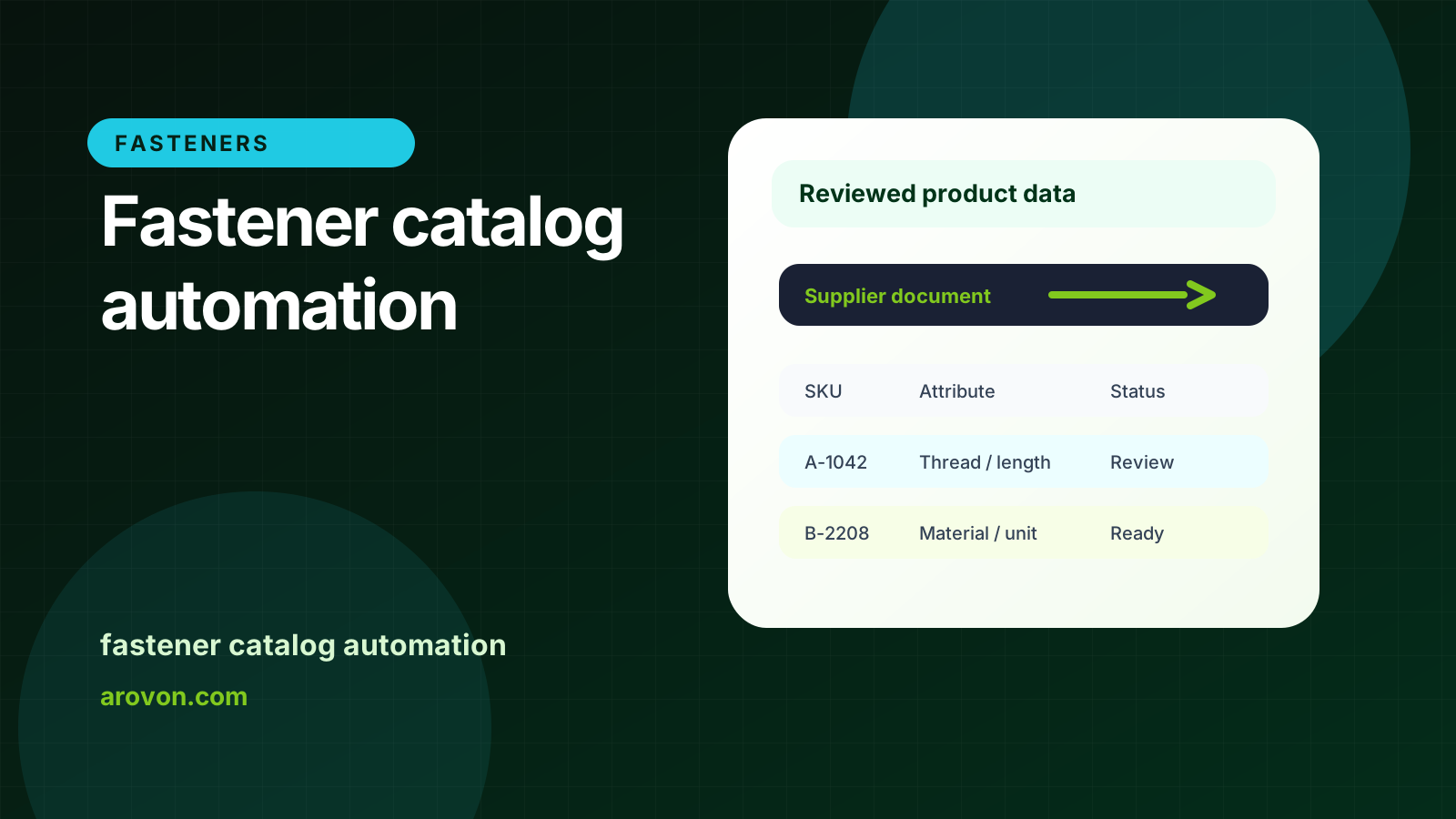
How fastener distributors can turn supplier PDFs, price lists, and datasheets into searchable product pages with thread, grade, finish, and size data.
Skim this first
Use this article to plan a faster fastener catalog build.
The work is category design: thread, length, head, drive, material, finish, grade, and pack data.
Automation helps when it creates a repeatable catalog structure, not just copied descriptions.
Best next move
Pick one fastener family and define buyer-facing comparison fields.
Normalize standards, grades, finishes, and variant logic before publishing.
Use review exceptions to refine the category model.
For industrial distributors, the practical question is not whether software can read a document once. The question is whether the team can repeat the workflow across suppliers, keep technical values traceable, and export rows that are safe to use.
This guide focuses on fastener catalog automation from an operations point of view: what to standardize, what to review, and where automation should support people rather than hide uncertainty.
Quick facts
Core fields: Thread size, length, diameter, grade, finish, drive, head, pack quantity.
Main risk: Similar-looking SKUs with different technical values.
Best pilot: One product family such as hex bolts, screws, washers, or anchors.
Fastener catalog automation works best when it turns supplier variation into a consistent buyer-facing structure.
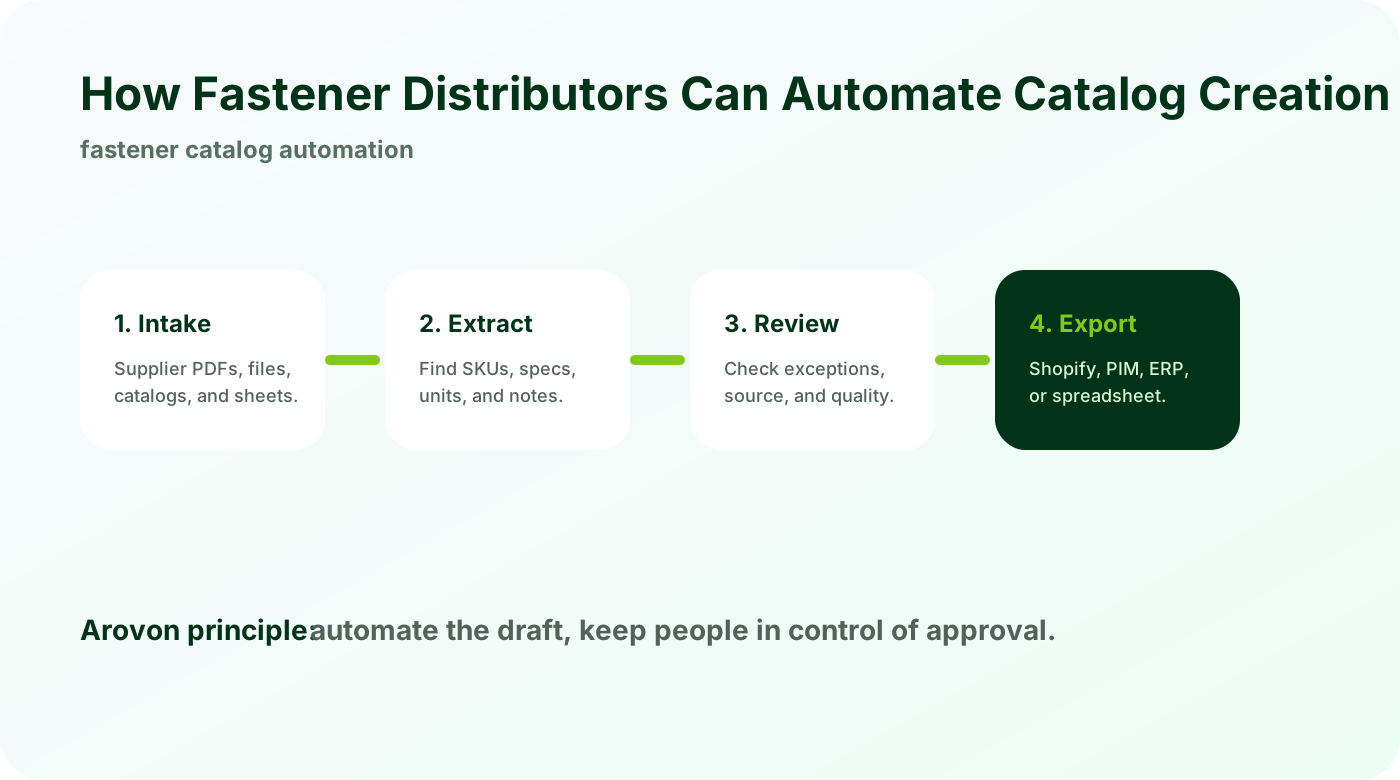
Fastener catalogs need more than copied descriptions
Fastener buyers search by attributes. If thread, length, grade, and finish are buried in text, the catalog will not work well.
Extract structured fields from tables and naming conventions.
Keep supplier part numbers and manufacturer references.
Normalize units and naming across suppliers.
The goal is not just faster entry. It is a catalog where buyers can filter and compare products without calling sales for basic specs.
Use schemas for each fastener family
A bolt, nut, washer, screw, and anchor do not need the same attribute set. Automation improves when the extraction schema follows the product family.
Define required fields per category.
Map supplier abbreviations into your naming standard.
Flag missing or conflicting technical values for review.
Category-specific schemas reduce messy rows and make reviewer decisions faster.
Review before publishing
Fastener data needs review because small errors can change fit and compatibility.
Compare extracted rows to source tables.
Spot duplicate SKUs and inconsistent finish names.
Approve exports only after required fields are complete.
A good workflow turns catalog creation into review and approval, not blind publishing.
Checklist
Pick one fastener family for the first automation run.
Define required technical fields.
Normalize material, finish, and grade naming.
Keep source page references.
Test filters in the webshop before scaling.
Watch for
Thread and length values embedded only in product titles.
Finish or grade names that vary by supplier but mean the same thing.
Pack quantity or standard data missing from filterable fields.
Make it repeatable
Create a fastener-specific attribute model.
Group variants by the choices buyers actually compare.
Reuse the approved model for the next supplier or family.
Automate one fastener family first
Arovon helps fastener distributors extract category-specific product rows from supplier documents and review them before ecommerce export.