Why Supplier Datasheets Are So Hard to Parse (and How to Fix It)
5/21/2026
Why supplier datasheets fight automation: inconsistent tables, hidden units, footnotes, drawings, variants, and formatting that was designed for reading, not importing.

Why supplier datasheets fight automation: inconsistent tables, hidden units, footnotes, drawings, variants, and formatting that was designed for reading, not importing.
Skim this first
Read this as a guide to the hidden structure inside supplier datasheets.
The challenge is layout: tables, notes, units, footnotes, and repeated headings all carry meaning.
Parsing fails when software treats the PDF like plain text instead of a technical document.
Best next move
Identify where product rows, notes, and units are split across the file.
Mark ambiguous tables and multi-page product families for review.
Use source references so reviewers can trace every extracted value.
For industrial distributors, the practical question is not whether software can read a document once. The question is whether the team can repeat the workflow across suppliers, keep technical values traceable, and export rows that are safe to use.
This guide focuses on parse supplier datasheet from an operations point of view: what to standardize, what to review, and where automation should support people rather than hide uncertainty.
Quick facts
Problem: PDFs preserve layout, not database meaning.
Risk: A value can be right but attached to the wrong product or unit.
Fix: Use context-aware extraction with review and category schemas.
Datasheets are hard because the meaning is often in the layout, not just in the words.
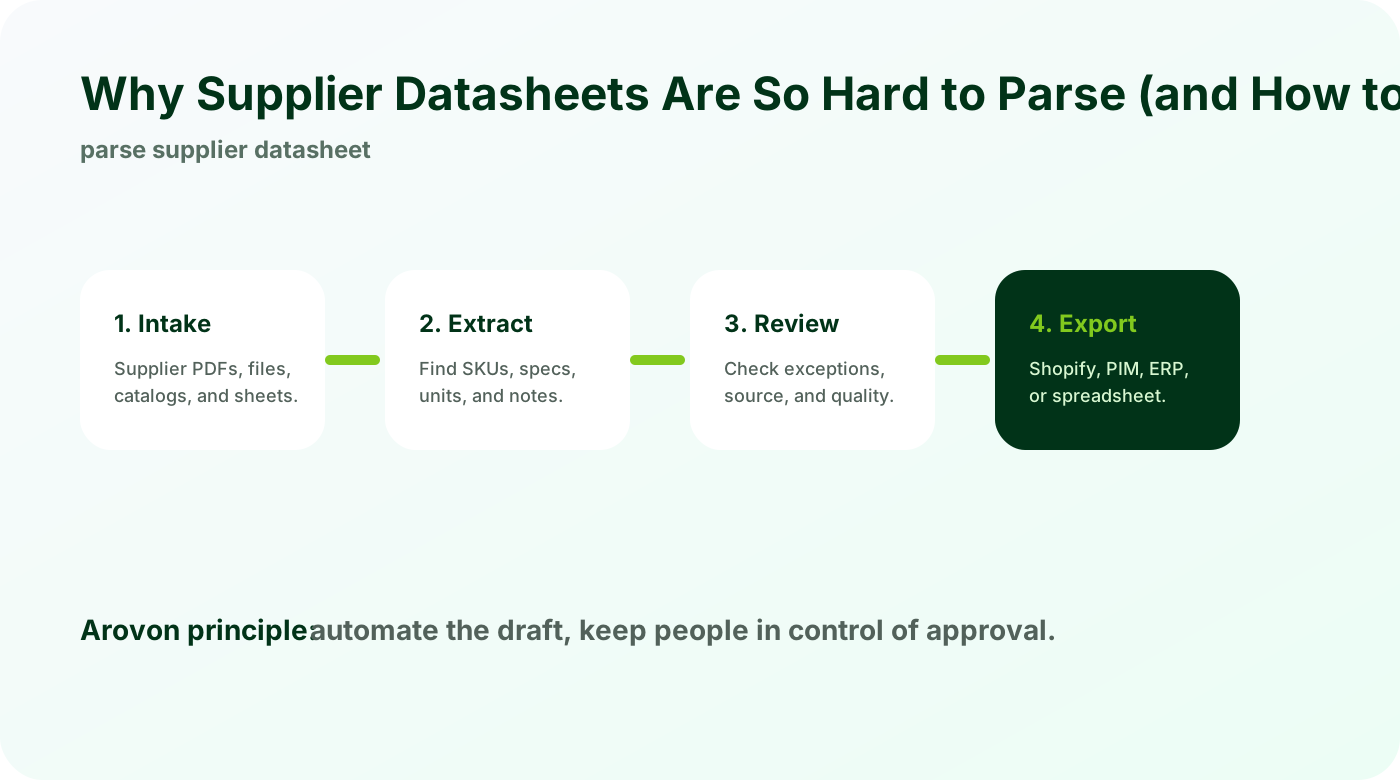
Datasheets were designed for humans
A datasheet may be easy for a buyer to read but difficult for software to convert into rows.
Tables can span pages.
Headers may carry the unit for dozens of values.
Footnotes can change the meaning of a whole table.
Text extraction alone does not solve the problem because the meaning lives in layout and context.
Product context is easy to lose
Supplier documents often mix families, variants, images, and notes in ways that are not obvious from plain text.
A note may apply to several SKUs.
A drawing may define dimensions used in the table.
Variant rules may appear outside the row.
Good extraction keeps the source nearby and applies category logic.
The fix is workflow, not only parsing
Better parsing helps, but the full solution includes schemas, validation, and review.
Use category-specific fields.
Flag uncertain values.
Attach source page references.
Approve rows before export.
That workflow turns messy documents into usable product data without pretending every row is perfect on the first pass.
Checklist
Capture page context, not only text.
Use schemas for product families.
Preserve units and notes.
Flag uncertain rows.
Review before import.
Watch for
Multi-row headers that change how every value should be read.
Footnotes that define materials, tolerances, or ordering rules.
Repeated part numbers with small but important variant differences.
Make it repeatable
Capture table context, not only cell text.
Keep page and section references with extracted values.
Build supplier-specific handling for recurring datasheet layouts.
Parse supplier documents with context
Arovon is built for supplier PDFs, datasheets, and catalog pages that need structured extraction plus human review.